Completed + replay + agent windows
The Completed tab lists every finished audit run the brain itself coordinated
(a corral certify --adversarial or start_adversarial_run pool run); a
certify --local or --repo run never contacts a brain, so it does not appear
here. Opening one’s replay plays back the whole audit — shard claims, survivor
findings, and jail executions — through the same control bar this site’s
recordings page uses. See mission history + replay
for how the stream is reconstructed from durable rows, not a live recording.
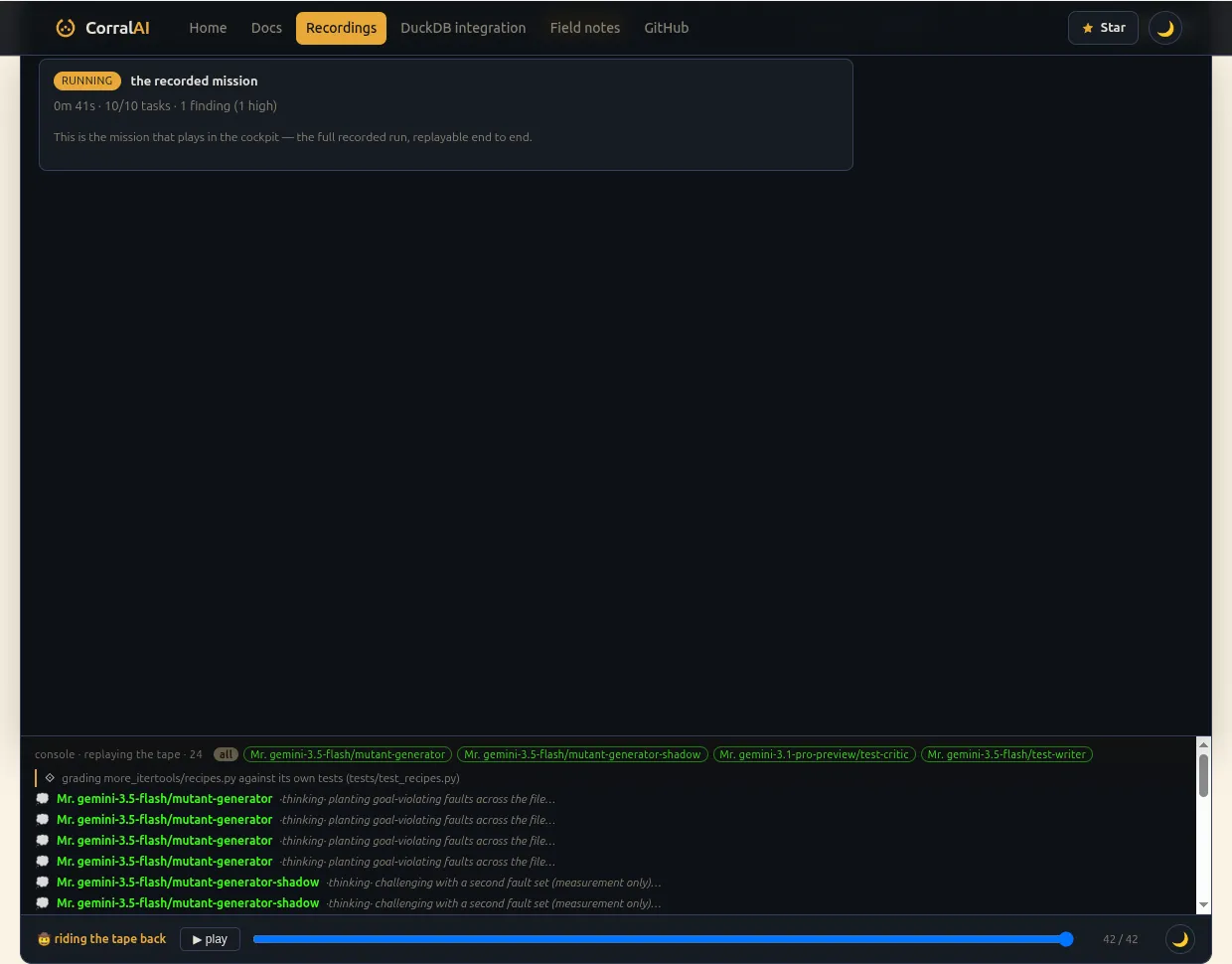
Every replay opens on that same hero verdict strip — CERTIFIED or NEEDS-REVIEW, the kill-rate, and the survivor count at a glance — before you even press play, and it stays expandable throughout: what was actually tested, the decorrelated herd that ran it, what happened inside the jail, and the honest-limits section with the test-critic’s actual argument, not a summary of it, so you can judge the advisory second opinion yourself instead of taking the badge’s word for it.
Task-story modal
Clicking into an individual shard opens its task-story modal — what that seat did, in order. For a test-critic seat this now surfaces the critic’s full argument (its finding evidence: the line it flagged, the reasoning, and what it would have said in review), not just the one-line target it flagged, so the advisory opinion is auditable rather than a black box.

Files
Alongside the task-story modal, a replay’s Files tab reconstructs who touched which path and when, from the herd’s recorded file claims — scrub- driven, the same way the story lens is. It’s a tree, colored per agent, with a claimed/touched count in the header; paths only, since the tape doesn’t capture file contents. For an audit run, the same tab shows the authored test instead (whichever the run actually produced) — the file tree is the build-run view of the identical scrub-driven space.